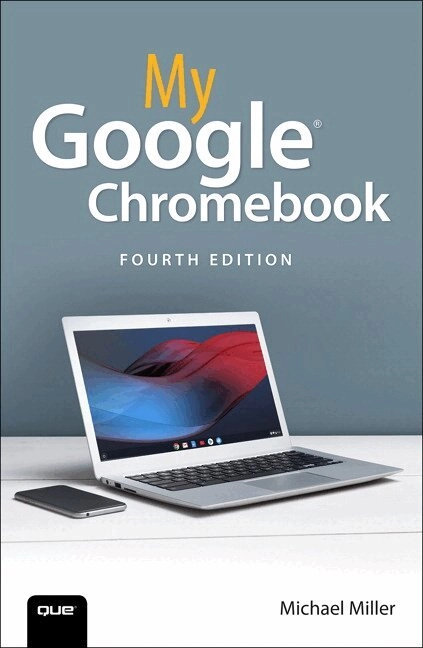
My Google Chromebook Upplaga 4
- Upplaga: 4e upplagan
- Utgiven: 2019
- ISBN: 9780135911822
- Sidor: 272 st
- Förlag: Pearson Education
- Format: Häftad
- Språk: Engelska
Om boken
Step-by-step
instructions with callouts to Google Chromebook photos that show you exactly what to do
Help
when you run into Chromebook problems or limitations
Tips and Notes
to help you get the most from your Chromebook
Full-color, step-by-step tasks walk you through doing exactly what you want with your Chromebook.
Learn how to
Set up and configure your new Chromebook
Personalize your Chromebook’s desktop and other settings
Use your Chromebook with the touchpad, keyboard, or touchscreen
Browse and search the Web with the Google Chrome browser
Manage your files wherever they’re stored: on your Chromebook, on an external drive, or in the cloud
Find great new Chrome and Android apps in the Google Play Store
Strengthen privacy with Incognito Mode and Google’s privacy settings
Watch streaming TV shows and movies with Netflix, Hulu, and Amazon Prime Video
Listen to streaming music with Pandora, Spotify, and Google Play Music
View and fix photos with Google Photos
Print from anywhere with Google Cloud Print
Send, receive, read, and manage email through Google Gmail
Get productive with Google Docs, Sheets, and Slides
Use your Google Chromebook for education
Optimize Chromebook performance and battery life
Troubleshoot and recover from problems
Åtkomstkoder och digitalt tilläggsmaterial garanteras inte med begagnade böcker
Mer om My Google Chromebook (2019)
I november 2019 släpptes boken My Google Chromebook skriven av Michael Miller. Det är den 4e upplagan av kursboken. Den är skriven på engelska och består av 272 sidor. Förlaget bakom boken är Pearson Education.
Köp boken My Google Chromebook på Studentapan och spara pengar.
Referera till My Google Chromebook (Upplaga 4)
Harvard
Miller, M. (2019). My Google Chromebook. 4:e uppl. Pearson Education.
Oxford
Miller, Michael, My Google Chromebook, 4 uppl. (Pearson Education, 2019).
APA
Miller, M. (2019). My Google Chromebook (4:e uppl.). Pearson Education.
Vancouver
Miller M. My Google Chromebook. 4:e uppl. Pearson Education; 2019.
citeproc-js implements the Citation Style Language. (c) Frank Bennett. Licenser och källkod.