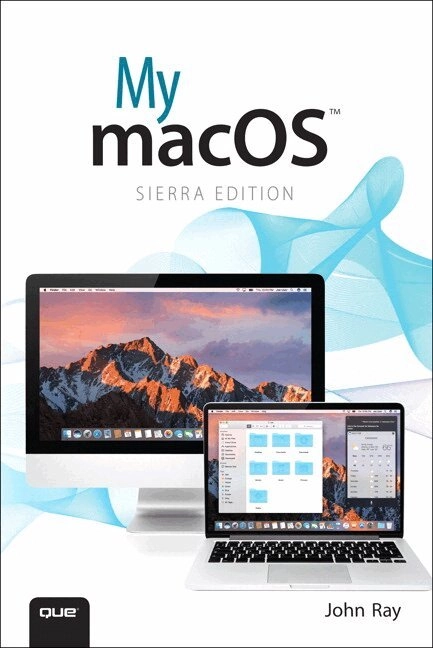
My macOS Upplaga 2
- Upplaga: 2a upplagan
- Utgiven: 2016
- ISBN: 9780789757883
- Sidor: 576 st
- Förlag: Pearson Education
- Format: Häftad
- Språk: Engelska
Om boken
My macOS is filled with beginning through intermediate tasks, presented in a thorough step-by-step format, that guide you through learning everything you need to know to use the newest release of macOS. The goal is not to teach you how to type or click a mouse but how to configure network settings, customize your desktop, use built-in apps, optimize battery life, set up backup solutions, and much more.
In My macOS, you will find:
Step-by-step instructions with callouts to macOS photos that show you exactly what to do.
Help when you run into hardware or operating system problems or limitations.
Tips and Notes to help you get the most from macOS.
Full-color, step-by-step tasks walk you through getting and keeping macOS working just the way you want. The tasks include: Managing, arranging, and tagging your files Staying informed and productive with Notification Center Creating and navigating virtual workspaces in Mission Control Opening and organizing apps with Launchpad Accessing network devices and resources Activating and using iCloud services Communicating online with email, instant messaging, and video Keeping appointments with Calendar and Reminders Planning trips and checking traffic with Maps Keeping up-to-date with friends and family via Twitter and Facebook Downloading and enjoying music, movies, books, and more Sharing purchases with your family Challenging your friends to games with Game Center Working seamlessly with iOS Devices with Handoff and AirDrop Protecting and securing your system and data Expanding your system with peripheral devices Troubleshooting common system problems
Åtkomstkoder och digitalt tilläggsmaterial garanteras inte med begagnade böcker
Mer om My macOS (2016)
I november 2016 släpptes boken My macOS skriven av John Ray. Det är den 2a upplagan av kursboken. Den är skriven på engelska och består av 576 sidor. Förlaget bakom boken är Pearson Education.
Köp boken My macOS på Studentapan och spara pengar.
Referera till My macOS (Upplaga 2)
Harvard
Ray, J. (2016). My macOS. 2:a uppl. Pearson Education.
Oxford
Ray, John, My macOS, 2 uppl. (Pearson Education, 2016).
APA
Ray, J. (2016). My macOS (2:a uppl.). Pearson Education.
Vancouver
Ray J. My macOS. 2:a uppl. Pearson Education; 2016.
citeproc-js implements the Citation Style Language. (c) Frank Bennett. Licenser och källkod.